



In an era of unprecedented connectivity, our digital footprint has become a critical part of our identity. Every click, search, and online interaction leaves a trail of data that is collected, analyzed, and often monetized by corporations and governments. For many, the idea of digital privacy feels like an increasingly lost cause, a complex and overwhelming battle against an unseen force. However, this is far from the truth. With the right knowledge and tools, you can take back control of your personal information and build a more secure online presence. This comprehensive guide will demystify the world of digital privacy, providing a clear and actionable roadmap to protect your data, secure your devices, and navigate the internet with greater confidence. We will go beyond the basics, exploring advanced settings, best practices, and the underlying principles that empower you to become the guardian of your own information.
The Privacy Landscape

Before we delve into specific actions, it’s essential to understand who is collecting your data and why. Your digital information is valuable. It is used to create a detailed profile of your habits, preferences, and behaviors. This profile is then used for targeted advertising, market research, and in some cases, predictive analysis. The key players in this ecosystem are:
- Social Media Platforms: These are data-gathering powerhouses. They track your likes, comments, shares, and connections to build a psychological profile.
- Search Engines: Every query you type provides insights into your interests, needs, and intentions.
- Mobile Apps: Many apps, even those that seem unrelated to social media, track your location, contacts, and device usage.
- Internet Service Providers (ISPs): Your ISP can see every website you visit, as all your internet traffic flows through their servers.
- Data Brokers: These companies specialize in collecting and selling personal data from various sources to other businesses.
The first step toward privacy is acknowledging this reality and understanding that your data is a commodity.
The Essential Steps
Taking control of your privacy starts with foundational security measures. Think of this as building the walls and locking the doors of your digital home.
A. Strong Passwords and Multi-Factor Authentication (MFA)
A strong password is your first line of defense. It should be long, complex, and unique for every account. Avoid using easily guessable information like birthdays or common words.
- Use a Password Manager: This is non-negotiable for modern security. A password manager generates and stores complex, unique passwords for all your accounts, so you only have to remember one master password. This prevents a data breach on one site from compromising all your other accounts.
- Enable Multi-Factor Authentication (MFA): MFA adds a second layer of security beyond your password. This could be a code sent to your phone, a physical security key, or a biometric scan. Even if someone steals your password, they cannot access your account without this second factor. Always enable MFA on your email, social media, and banking accounts.
B. Securing Your Browser
Your web browser is the primary tool for your online activity. Optimizing its settings is crucial for privacy.
- Choose a Privacy-Focused Browser: Consider switching from default browsers to privacy-centric options like Brave, Firefox, or DuckDuckGo. These browsers come with built-in ad and tracker blockers, and they are not monetized by selling your data.
- Install Privacy Extensions: For any browser, install extensions that enhance privacy. Key extensions include:
- uBlock Origin: An ad-blocker that also blocks a large number of trackers.
- Privacy Badger: Automatically blocks invisible trackers.
- HTTPS Everywhere: Forces your browser to use an encrypted connection (HTTPS) with websites whenever possible.
- Regularly Clear Cookies and Cache: Cookies are small files websites use to track you. Clearing them regularly forces sites to treat you as a new visitor, making it harder for them to build a persistent profile of your browsing habits.
C. The Power of Encryption
Encryption is the process of converting data into a code to prevent unauthorized access. It is one of the most powerful tools in your privacy arsenal.
- Use a Virtual Private Network (VPN): A VPN encrypts all your internet traffic and routes it through a server operated by the VPN provider. This hides your IP address and makes it very difficult for your ISP, government agencies, or hackers to see what you are doing online. Choose a reputable VPN with a strict “no-logs” policy.
- Encrypt Your Devices: Enable encryption on your laptop and smartphone. On most modern devices, this is a simple setting that scrambles the data on your hard drive, so even if the device is stolen, your files remain inaccessible without the password.
Advanced Privacy Settings on Major Platforms
While foundational steps are essential, it’s equally important to fine-tune the privacy settings on the platforms you use most often.
A. Social Media
Social media is designed to be public, but you can significantly limit what is shared.
- Review and Restrict Permissions: Go to the privacy and security settings on platforms like Facebook, Instagram, and Twitter. Change the default settings to “Friends Only” or “Private.”
- Disable Ad Tracking and Personalization: Find the “Ad Preferences” or “Ad Settings” section and turn off personalized ads. This won’t stop you from seeing ads, but it will prevent platforms from using your personal data to target them.
- Clear Off-Platform Activity: Many platforms, notably Facebook, track your activity on other websites and apps. You can find this setting and clear your history, effectively telling the platform to stop tracking your activity away from their site.
B. Google and Apple Ecosystems
Google and Apple collect vast amounts of data to power their services.
- Google My Activity: Visit
myactivity.google.comto see a detailed record of your searches, location history, and YouTube watch history. You can review and delete this data manually, or set it to auto-delete every few months. - Location History: Turn off location history on your Google account and on your smartphone. While some services may become less useful, this is a major step toward preventing continuous location tracking.
- App Permissions: On both Android and iOS, regularly review the permissions you have granted to each app. Revoke permissions for location, camera, or contacts for any app that doesn’t genuinely need it.
The Human Element
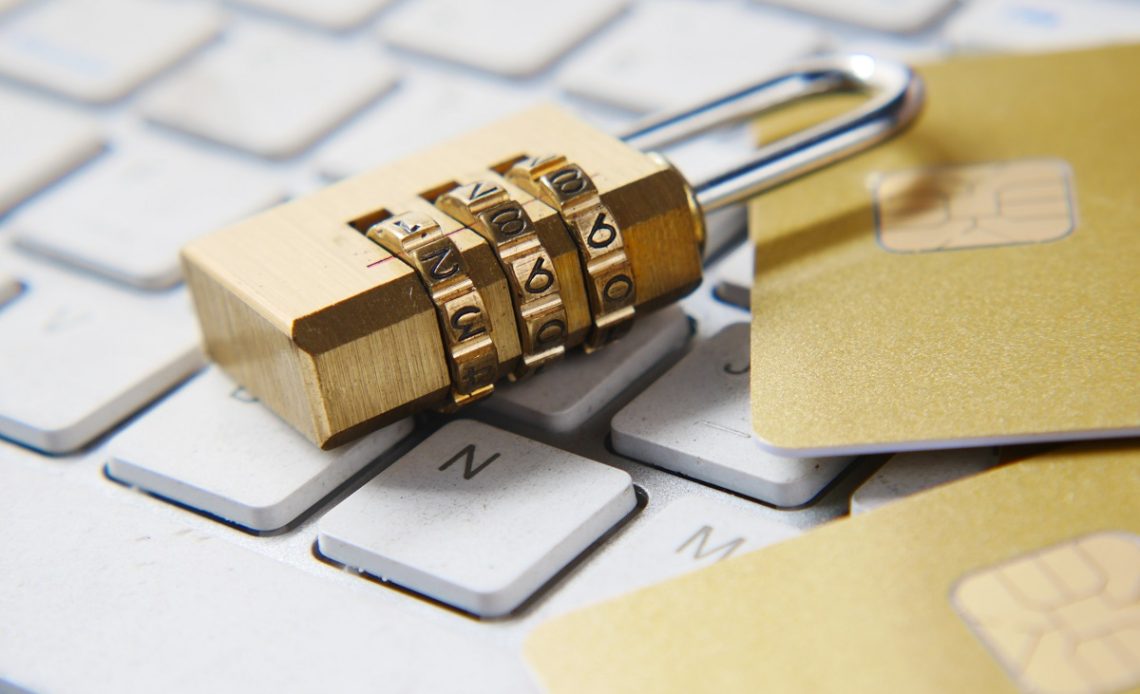
Technology is only part of the solution. Your behavior and habits play a massive role in your digital security.
A. Be Skeptical of Public Wi-Fi
Public Wi-Fi networks in cafes, airports, and hotels are often unsecured. Your data can be vulnerable to hackers on the same network. Always use a VPN when connecting to public Wi-Fi.
B. The Art of “Digital Minimalism”
Consider adopting a “digital minimalism” approach. This means intentionally reducing your online footprint.
- Delete Old Accounts: Do you still have a MySpace or old forum account from a decade ago? These old, forgotten accounts are a security risk. Use services like JustDeleteMe to find and remove old profiles.
- Unsubscribe from Email Lists: Every email list you’re on is a potential entry point for spam and phishing attacks. Take the time to unsubscribe from newsletters you no longer read.
C. Recognize and Avoid Phishing Scams
Phishing is a common scam where hackers impersonate a trusted entity to trick you into revealing personal information.
- Check the Sender: Always verify the sender’s email address. A bank’s email might look legitimate, but a closer look at the address may reveal it’s not from their official domain.
- Hover over Links: Before clicking a link in an email, hover your mouse over it to see the actual URL. If it doesn’t match the one you were expecting, do not click.
- Do Not Provide Information: Never give out personal or financial information in response to an email or message. If a company needs your information, go directly to their official website to provide it.
D. The Privacy Paradox and Informed Consent
The “privacy paradox” is the gap between what people say they care about (privacy) and their actual behavior (sharing vast amounts of data). True privacy comes from conscious decisions.
- Read the Fine Print: Whenever you sign up for a new service, take a moment to understand their terms of service and privacy policy. While it can be tedious, it helps you make an informed decision about what you are agreeing to.
- Use Privacy-Respecting Alternatives: Whenever possible, choose services that explicitly respect your privacy. Search engines like DuckDuckGo don’t track your searches, and email providers like ProtonMail offer end-to-end encryption.
The Future of Privacy
The battle for digital privacy is an ongoing process. As technology evolves, so do the methods of data collection. Being proactive is key. The rise of AI and biometrics means we must be even more vigilant.
- Biometrics and Facial Recognition: As facial recognition and fingerprint scanning become more common, understand the risks. Biometric data is sensitive and, unlike a password, cannot be changed if compromised.
- The Internet of Things (IoT): Your smart home devices—speakers, thermostats, and cameras—are all potential data collection points. Review their privacy settings and be mindful of what you’re bringing into your home.
- The Power of Legislation: Support and advocate for stronger privacy laws in your country. Policies like the GDPR (General Data Protection Regulation) in Europe are a powerful example of how regulations can give individuals more control over their data.
Conclusion
The pursuit of digital privacy is not about becoming a recluse or a Luddite. It’s about empowerment. It’s about understanding the value of your personal information and making conscious choices about who you share it with and why. By adopting the principles and practices outlined in this guide, you can move from a passive consumer of technology to an active participant in your digital life. The journey begins with a few simple steps: strengthening your passwords, using a password manager, and enabling multi-factor authentication. From there, you can progressively build a more secure foundation by choosing privacy-focused browsers, using a VPN, and meticulously adjusting your settings on social media and other platforms.
Beyond the technical solutions, the most powerful tool you have is your own awareness. Being skeptical of unsolicited messages, understanding app permissions, and consciously opting out of unnecessary data collection are habits that will serve you well in the long run. The digital world is full of opportunities, but it also presents risks. By taking control of your privacy, you are not only protecting yourself from potential harm but also reclaiming your autonomy in an increasingly automated world. Remember, your data is your identity. Guard it well, and you will find that a more secure digital life leads to a more peaceful and confident one. The ultimate privacy guide isn’t a single set of rules; it’s a commitment to a mindset of continuous learning and proactive protection.





Discussion about this post